Appearance
Varying Frame Rate (Scenario)
Varying frame rate changes the frame length (the modelling time step) used when the scenario runs. Frames can be set anywhere between 30 minutes and 2 minutes long.
A shorter frame length gives you more granular control over how the model applies loads, evaluates operational criteria, and schedules or triggers maintenance events. This is especially useful when behaviour changes quickly, and you want the model to capture those changes more accurately.
If you provide data on a different time step to the selected frame length, it is step-wise interpolated to match the model timeline (values are held until the next data point rather than smoothly blended).
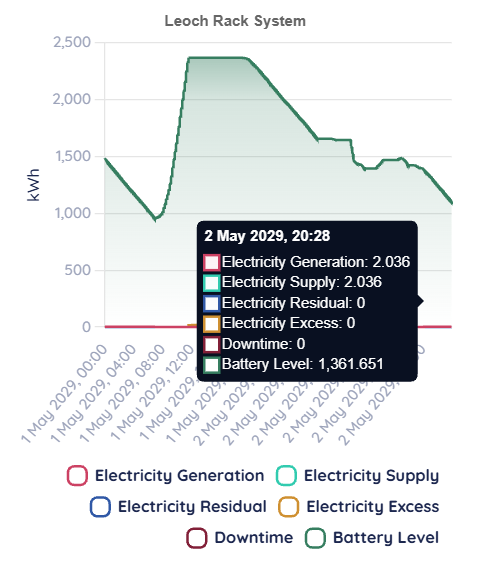
This also affects the granularity of Detail View pages, because the charts and traces are rendered at the model’s time step, shorter frames produce more detailed timelines, longer frames produce more averaged outputs.